 Features
Smarter rostering for faster payroll
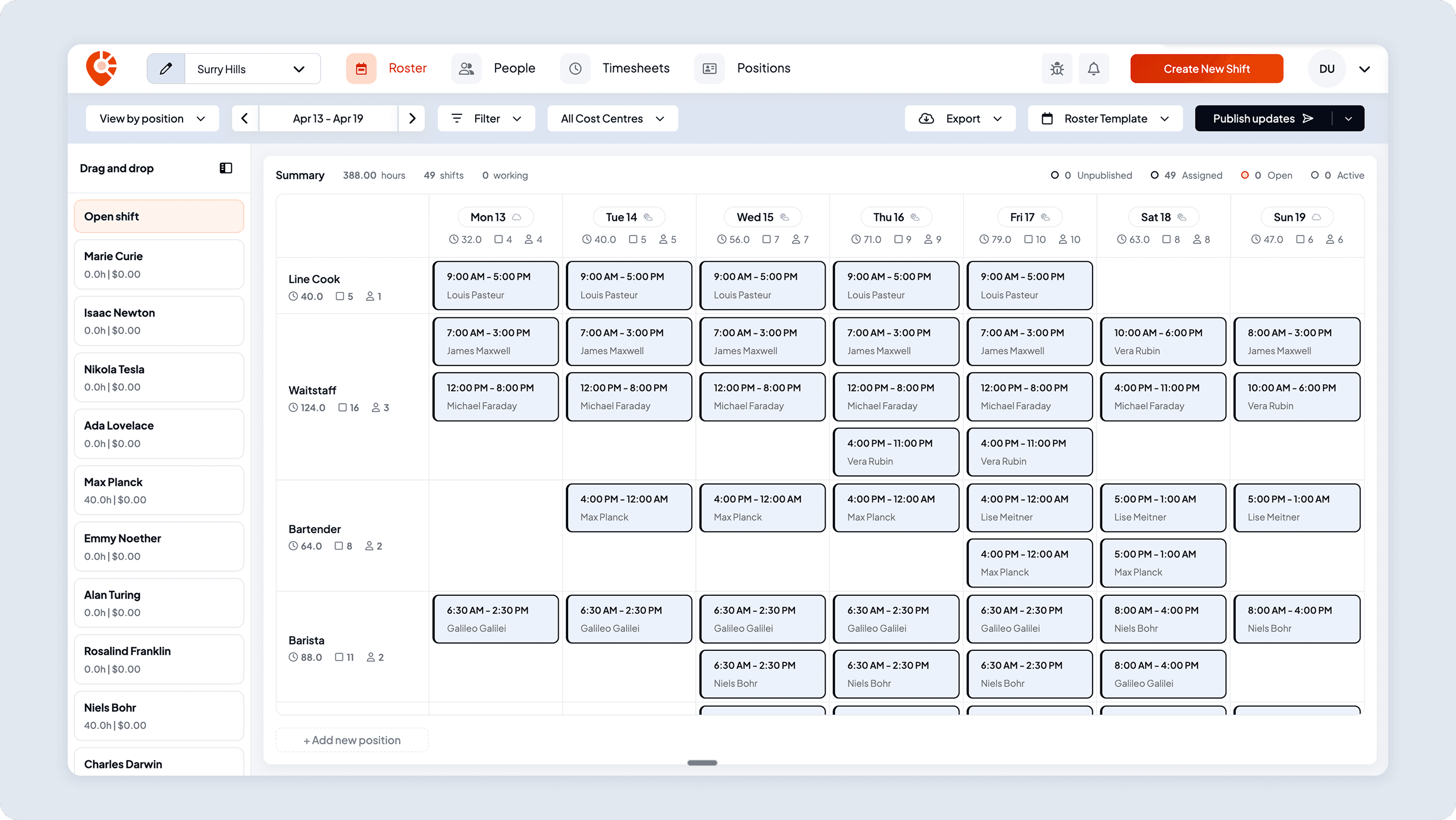
Easily plan shifts, publish rosters, sync timesheets and export in seconds, with no spreadsheets and no stress. Stay in control and keep payroll running smoothly with Shiftly.

Instant roster publishing
Share rosters with a single click. Staff receive up-to-date schedules instantly, including shift details and real-time changes, giving them full visibility for the week ahead and keeping everyone aligned.
Built-in shift validations
Shiftly automatically checks for overlaps and double-bookings as you schedule, so your team's availability is always respected, and your roster runs smoothly.
Sync timesheets effortlessly
Streamline payroll with automatic timesheet creation. As staff complete their shifts, timesheets update in real time, ready for review and synced directly with Xero. Save time, reduce admin, and stay payroll-ready with zero stress.
Staff scheduling
Effortlessly manage your team
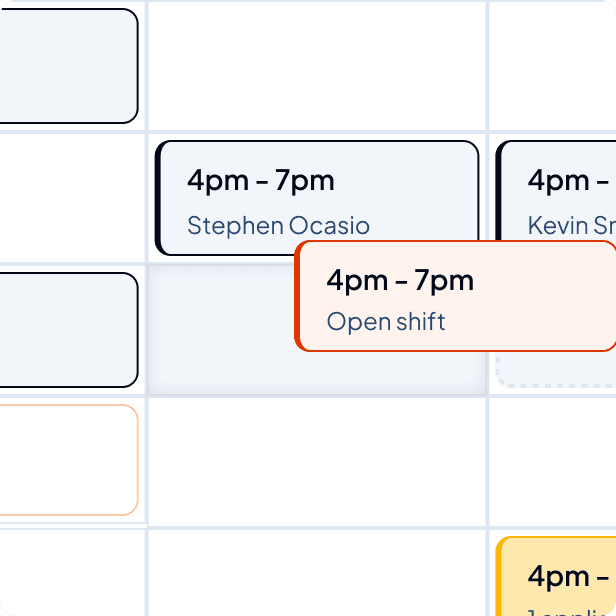
Shiftly's intuitive drag-and-drop interface allows you to create and adjust shifts with ease. Quickly copy and paste individual shifts or set up entire weekly templates to save time planning each week. With a click of a button, employees are instantly updated, ensuring everyone stays informed about their upcoming weeks.
Manage award rates
Shift cost calculations
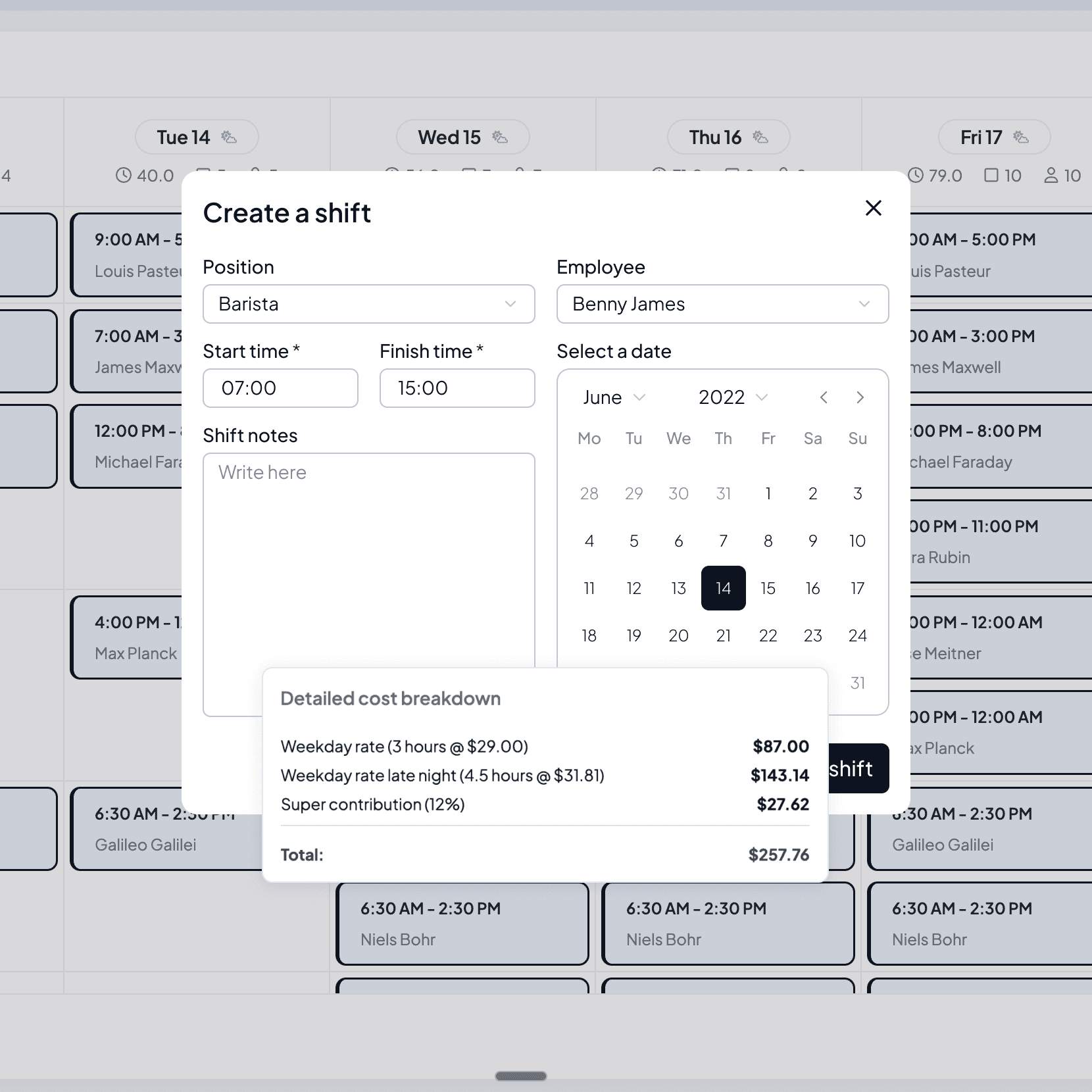
Shiftly simplifies shift cost calculations by storing employee profiles with key employment details. This allows you to generate cost estimates for internal staff, factoring in award rates, late-night penalties, and weekend rates.
Split your dashboards
Schedule across multiple locations
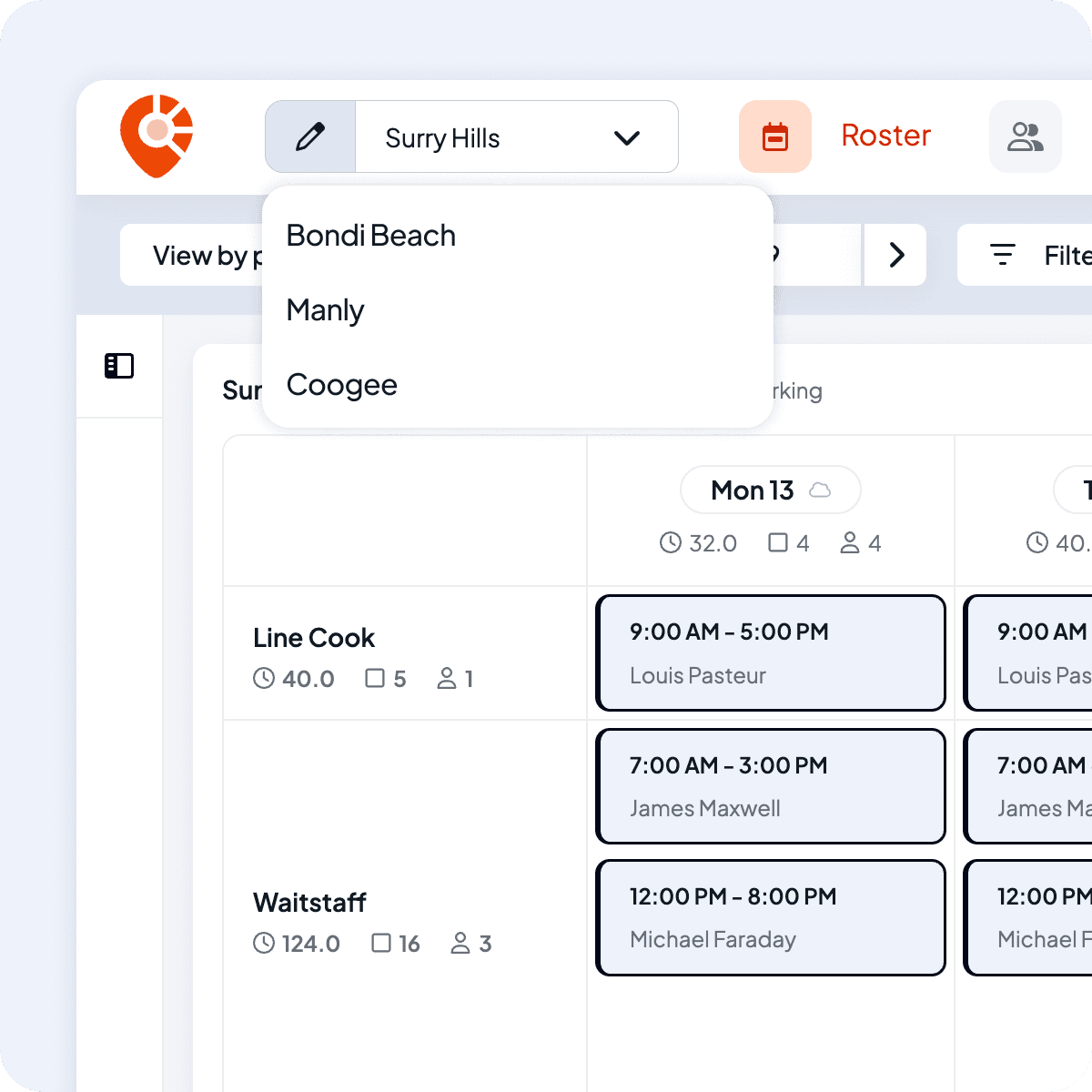
Shiftly manages all locations within a single account. Avoid conflicts with built-in checks that flag overlapping shifts for the same staff member across different locations. For larger businesses, separate schedules keep shifts clear and organised, ensuring staff can easily view their assigned locations without clutter or confusion.
Roster views and filters
View or filter your roster the way that suits you
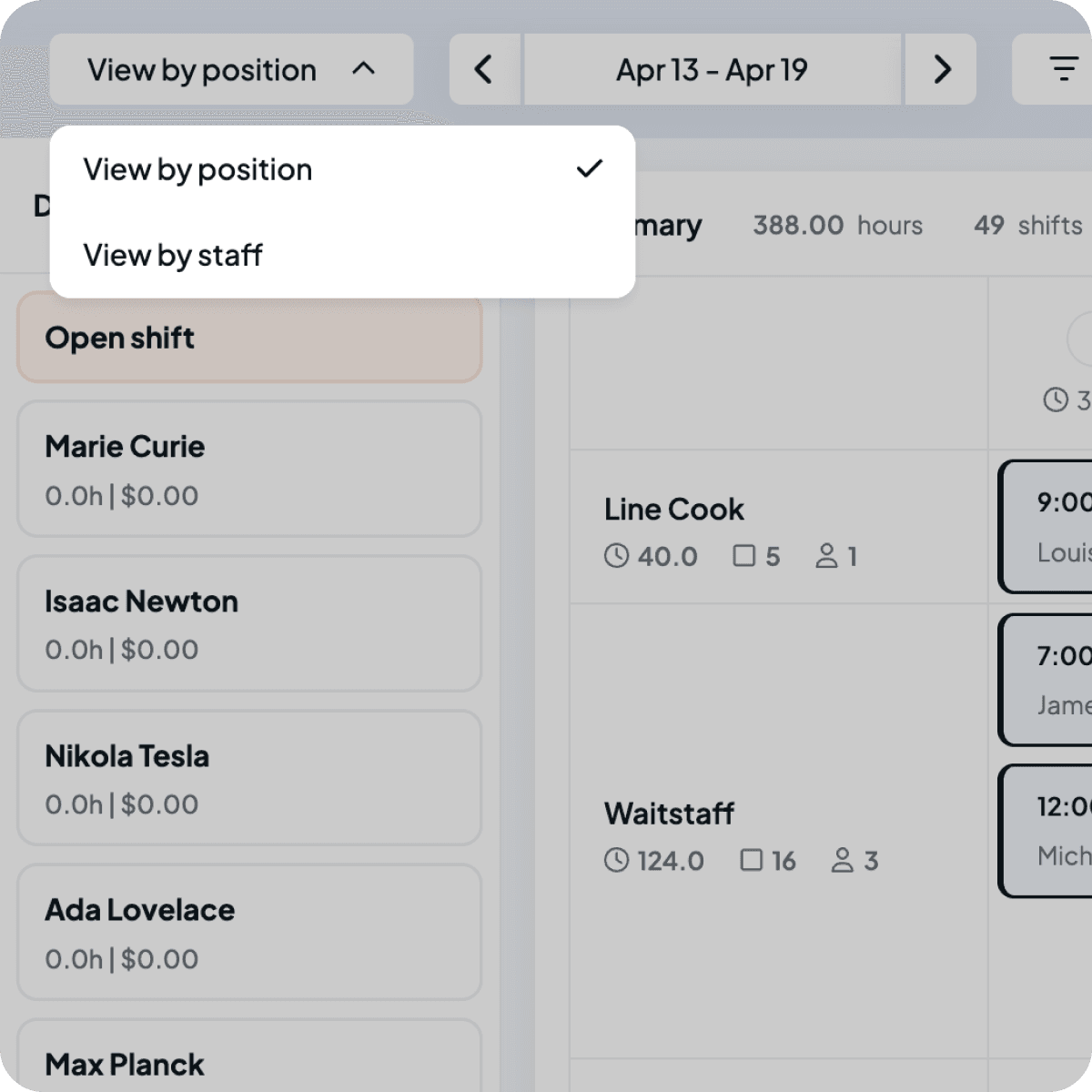
Adapt your roster view to match how you actually run your venue. Switch between employee or position-based views depending on what you need to manage, then layer in filters for date, job, employee, position, or status to quickly narrow things down.
- View by employee or position
- Filter by date, job, employee, position, or status
Join us and start posting shifts right away
Create your account in minutes, connect to Xero, and start onboarding staff instantly.
 Features
Explore more of Shiftly

Employee rostering
Easily plan shifts, publish rosters, sync timesheets and export in seconds, with no spreadsheets and no stress. Stay in control and keep payroll running smoothly with Shiftly.
Read More
Award-based timesheets
We calculate pay based on your configured award rates, capture approved hours, and sync directly with Xero, so you can run payroll with confidence.
Read More
Paperless onboarding
Streamline your hiring process with our seamless digital onboarding system to automatically sync with Xero for payroll. Reduce the manual workload and onboard staff in minutes.
Read MoreLet us show you around
We'll walk you through how Shiftly works and help you see if we're the right fit for you.

Questions, answered
Yes. Rostering is part of Shiftly's free plan, with no per-employee fees. You can build and publish rosters across unlimited staff and locations at no cost.